Step 1
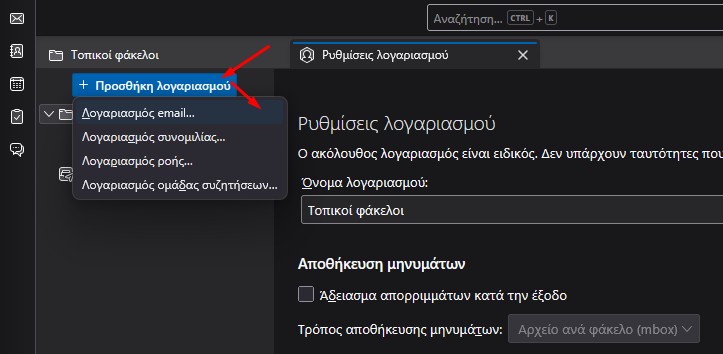
Open Thunderbird and select New Account → Email Account.
Step 2
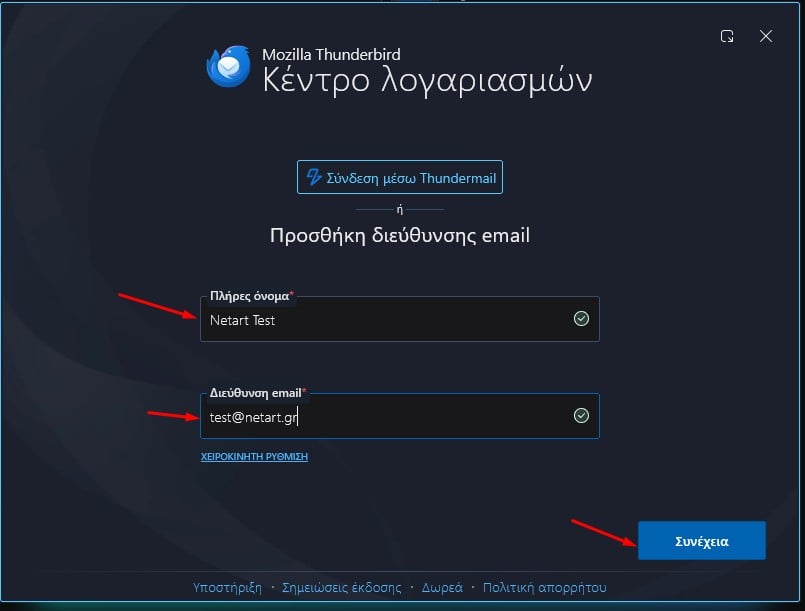
Enter your display name and axionit@t1-physio.de, then click Continue.
Step 3
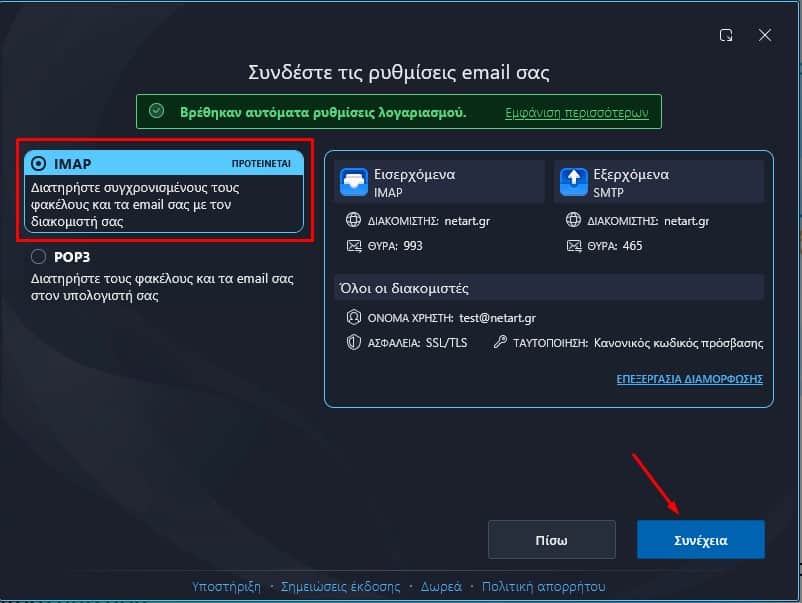
Make sure IMAP is selected, then click Continue,
Step 4
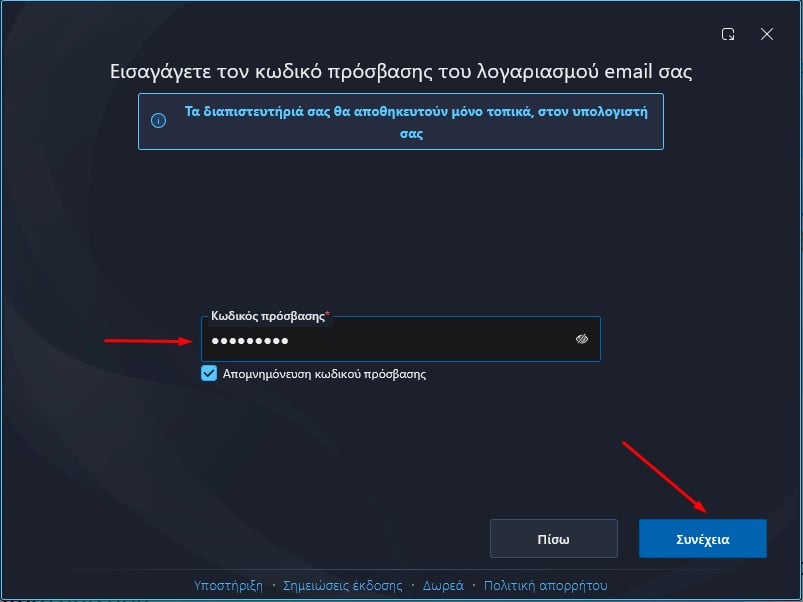
Enter your email password. Select Remember password if you would like Thunderbird to save it, then click Continue.
Step 5
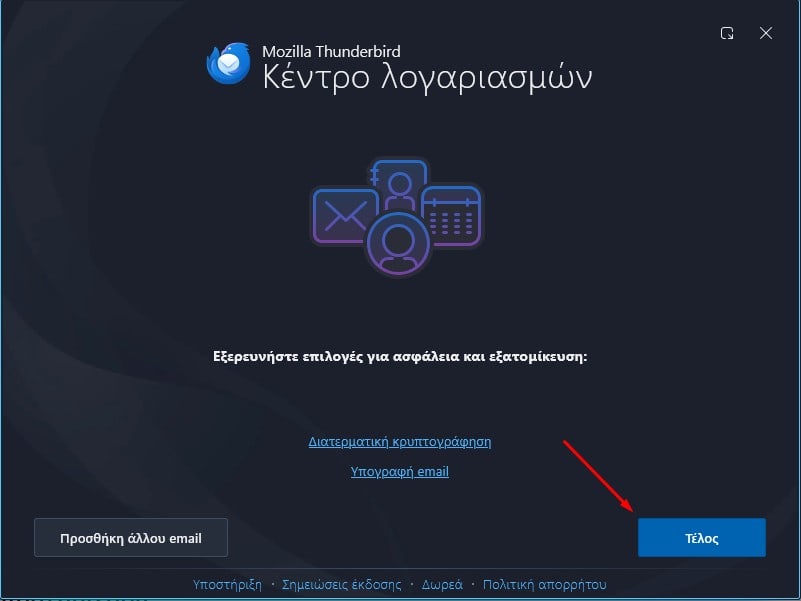
Click Finish to complete the account setup.